The quiet revolution happening in your inbox: How AI can help you stay organized

ImageFlow // Shutterstock
The average knowledge worker now receives around 120 business emails a day and spends more than two hours just managing them. That’s up to 28% of the workweek lost to reading, sorting, and replying, according to 2025 workplace productivity reports from cloudHQ and DragApp. For heavier users, the toll is even steeper: Many professionals report spending closer to 2.6 hours daily on email alone. In this article, Filo Mail explores how AI tools can help you summarize emails, draft replies, and surface action items.
This constant flow has a detrimental effect. Communication overload, especially from email and notifications, ranks among the top drivers of workplace stress and burnout. A 2025 Forbes/Moodle study found that 66% of American employees experience burnout symptoms, with excessive digital demands (including inbox volume) frequently cited as a key factor. Remote and hybrid workers feel it acutely: Blurred boundaries mean many check messages outside normal working hours, amplifying decision fatigue and eroding well-being.
Traditional tactics—folders, labels, and inbox zero sprints—depend heavily on constant discipline. As volumes have climbed, they’ve proved hard to sustain. Vital messages still slip through: a billing notice hidden under promotions, a deadline buried in a thread, or an important update missed in the noise.
What’s changing is the emergence of AI-native tools that go beyond simple sorting to interpret content. Much like AI has reshaped meeting notes and calendars, these assistants can read threads, pull out the key points, rank what’s important, and translate emails into actionable tasks—often before you open them.
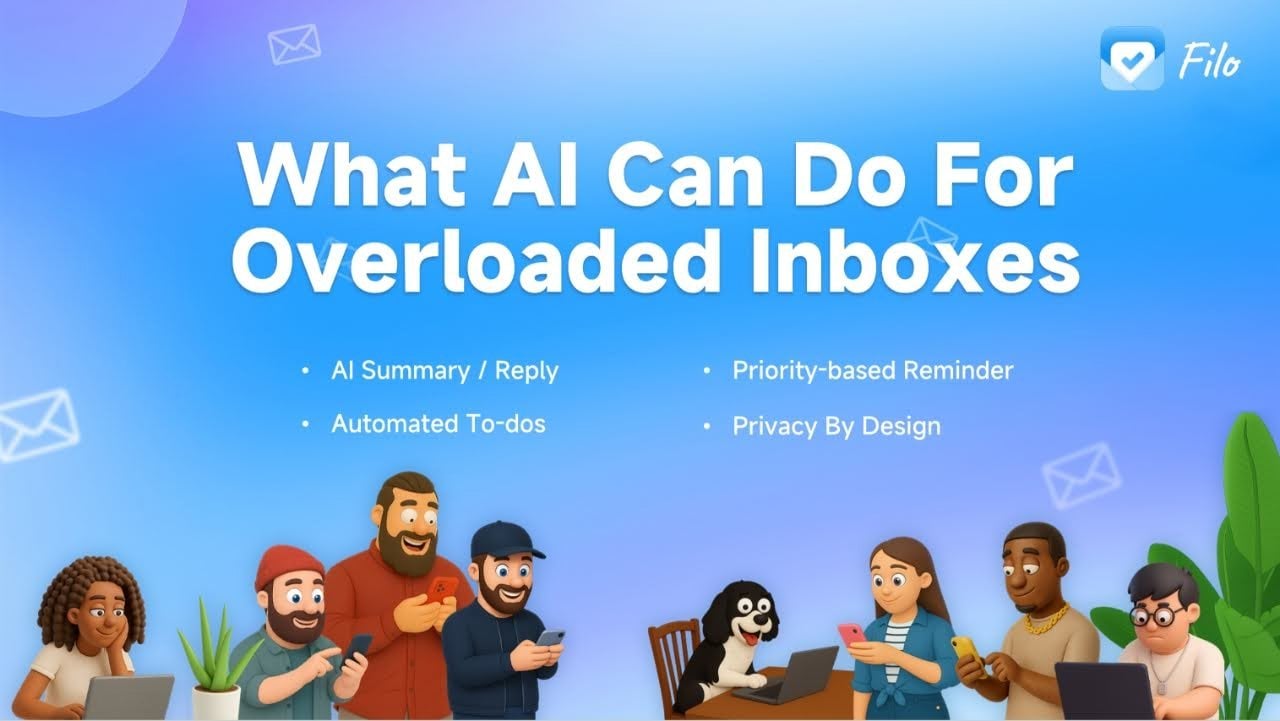
What Can AI Do for Overloaded Inboxes?
Filo Mail
- Time Savings: AI can cut down the minutes spent skimming long messages, following threads, or searching for important information.
- Reduced Stress: Knowing that key messages, deadlines, and updates won’t slip through the cracks helps ease the feeling of inbox overwhelm.
- Improved Organization: Travel confirmations, invoices, notices, and reminders can be surfaced automatically, instead of being buried under promotional clutter.
- Increased Productivity: With routine filtering, sorting, and summarizing handled by AI, users can stay focused on more meaningful tasks.
How Today’s AI Tools Put These Benefits Into Practice
Many modern email solutions now work behind the scenes to streamline inboxes. Rather than just redesigning how people use email, now tools focus on augmenting existing habits:
- Long threads and newsletters are distilled into digestible summaries.
- Key information, such as bookings, deadlines, invoices, and notices, is automatically detected and grouped.
- Action items are pulled into a dynamic to-do list, complete with reminders.
- Low-priority messages are quietly filtered, helping important emails stand out.
For users who receive large volumes of email, these background improvements can free up significant time, often tens of minutes per day, without requiring any change in behavior.
A Note on Privacy and User Trust
As AI becomes more integrated into everyday workflows, privacy has become a top concern. Tools operate through secure Google APIs and are designed so that email content is not stored on external servers or used for model training, reflecting a broader trend toward privacy-first AI systems.
Email remains the most reliable, universal tool in professional life. But with AI finally making it proactive instead of reactive, the inbox is shifting from a daily drain to something calmer — and far more effective.
This story was produced by Filo Mail and reviewed and distributed by Stacker.

